
Creating an organized and clutter-free home office can significantly improve your productivity and overall work experience. When your workspace is tidy, it’s easier to focus, find what you need quickly, and maintain a positive mindset throughout your workday. Here’s a comprehensive guide with practical tips for organizing your home office to boost productivity.
Why Organize Your Home Office?
A cluttered workspace can lead to distractions, wasted time, and stress. Organizing your office doesn’t just make the space look better—it helps improve your workflow and efficiency. A well-organized office fosters creativity and helps maintain a professional routine even when working from home.
Start with Decluttering
Evaluate What You Really Need
The first step to a clutter-free office is getting rid of items that aren’t necessary for your daily work. Sort through your supplies, papers, and equipment. Ask yourself:
– Do I use this regularly?
– Does this item contribute to my work?
Clear Out Paperwork
Paper piles can easily take over a desk. Digitize important documents if possible, and recycle or shred what you don’t need. Create a system for incoming papers to avoid buildup.
Choose the Right Furniture and Layout
Opt for Functional Furniture
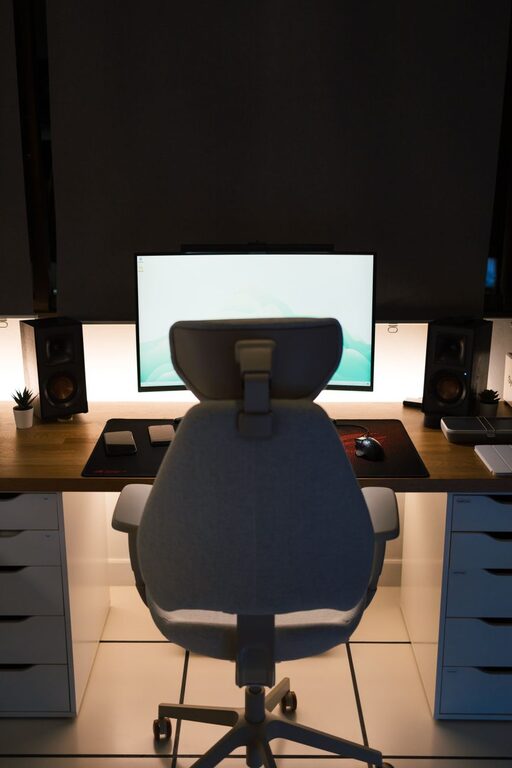
Invest in a desk with built-in storage or shelves to keep supplies and documents at hand without crowding your workspace. Consider ergonomics—a comfortable chair and desk height can reduce fatigue.
Maximize Space with Smart Layout
Arrange your desk to face natural light if possible, which can boost your mood and productivity. Keep frequently used items within arm’s reach, and store less-used items away.
Implement Effective Storage Solutions
Use Containers and Organizers
Drawer dividers, file folders, and desk organizers help keep small items like pens, clips, and sticky notes neatly in place. Labeling each container makes it easy to find items quickly.
Vertical Storage
Utilize wall-mounted shelves or pegboards to keep things off your desk but within easy reach. This frees up working space while still keeping essentials accessible.
Maintain Digital Organization
Organize Your Computer Desktop
A clutter-free digital workspace is just as important. Sort files into folders and delete unnecessary documents regularly. Back up important data to avoid losing work.
Manage Emails Effectively
Use filters and folders to keep your inbox organized. Set specific times to check emails to prevent constant interruptions.
Establish a Daily and Weekly Reset Routine
End-of-Day Tidy-Up
Spend five minutes at the end of each workday clearing your desk, filing papers, and prepping for the next day. This habit keeps clutter from accumulating.
Weekly Deep Clean
Set aside time once a week to clean your office thoroughly—dust surfaces, vacuum the floor, and reorganize any areas that became messy during the week.
Personalize Mindfully
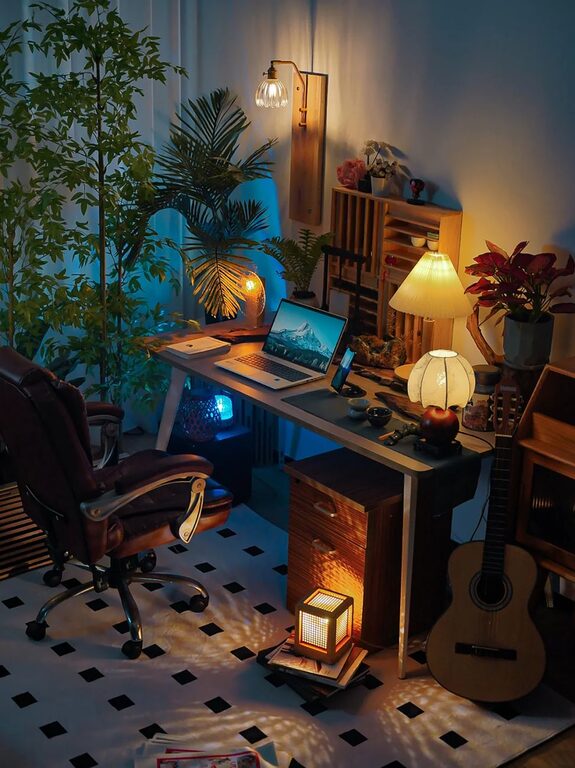
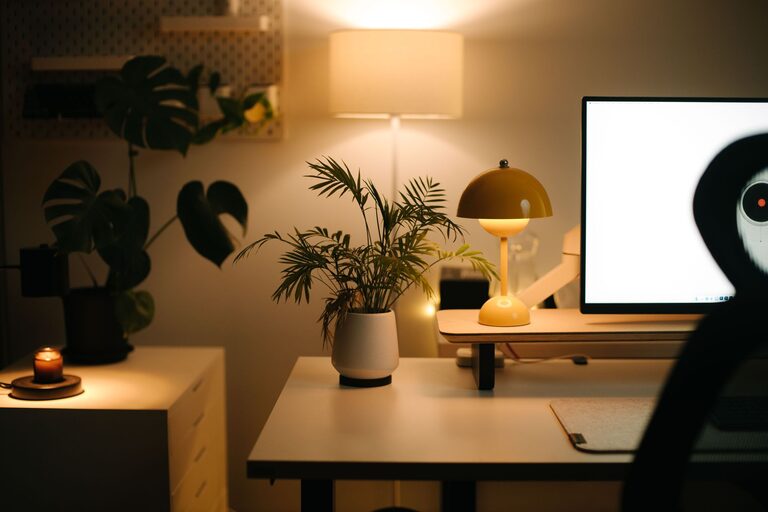
While personalization makes your space inviting, it can become clutter if overdone. Choose a few meaningful items like photos or plants to add warmth without overwhelming the workspace.
Tips for Staying Organized Long-Term
– Limit what comes in: Be mindful about bringing in new items. Only add to your office if it truly enhances your work.
– Use a “one in, one out” rule: When you add something new, remove another to maintain balance.
– Review your system regularly: Reassess your organization method every few months to ensure it still fits your needs.
Conclusion
Organizing your home office is a worthwhile investment that can greatly improve your productivity and well-being. By decluttering, choosing the right furniture, implementing smart storage, managing your digital workspace, and creating maintenance routines, you can enjoy a clean, functional, and inspiring office. Start small and build habits that help maintain an environment where you can focus and thrive.
About the Author