Creating a home office that balances comfort and productivity is essential for anyone working remotely or running a business from home. A well-designed workspace can boost focus, reduce stress, and make your workday more enjoyable. Whether you have a dedicated room or just a small corner, these tips will help you transform your space into a cozy and effective office.
Choose the Right Location
Consider Natural Light
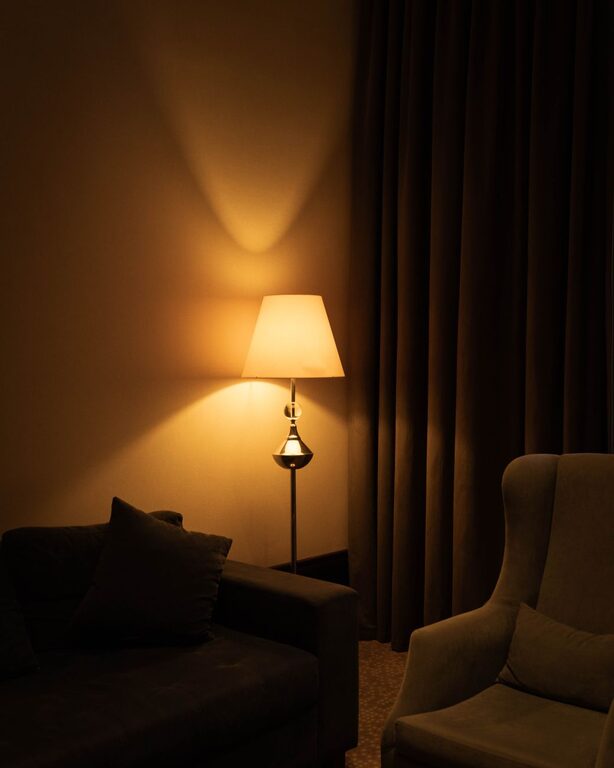
Natural light has a positive effect on mood and energy levels. Position your desk near a window if possible to make the most of daylight. If natural light is limited, invest in good quality lighting that mimics daylight to reduce eye strain.
Minimize Distractions
Choose a spot away from busy areas of your home to limit noise and interruptions. If that’s not possible, noise-canceling headphones or a white noise machine may help you stay focused.
Invest in Comfortable and Functional Furniture
Desk Selection
Pick a desk that fits your space and meets your work needs. If you use multiple monitors or need extra surface space for paperwork, prioritize a larger desk. For small spaces, wall-mounted or foldable desks can be great solutions.
Ergonomic Chair
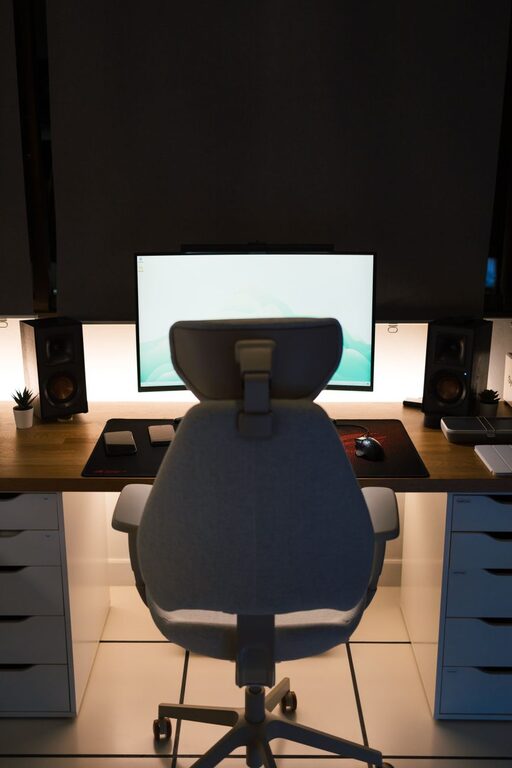
A supportive, adjustable chair is crucial for preventing back and neck pain. Look for chairs with lumbar support and adjustable height to maintain good posture during long hours of work.
Personalize Your Workspace
Add Cozy Elements
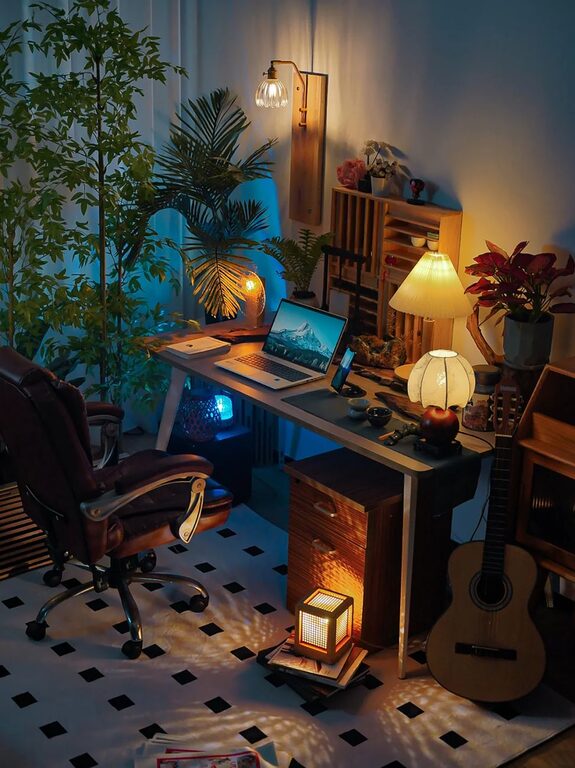
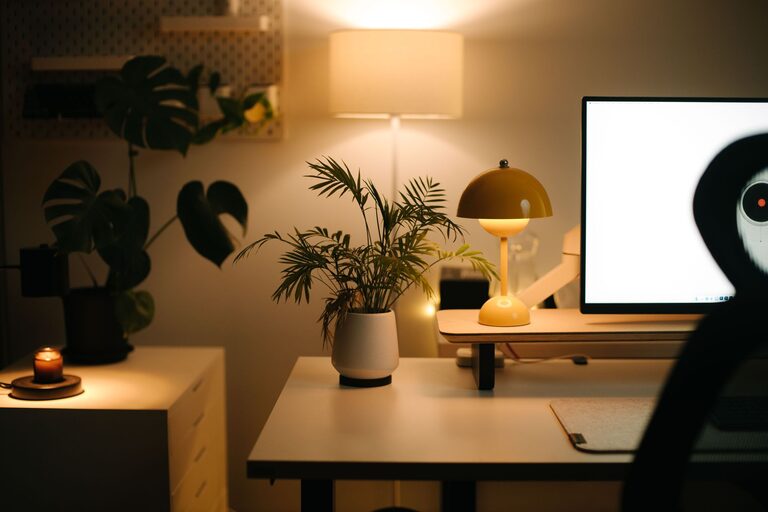
Include soft textures like cushions, throws, or rugs to make the area feel inviting. Plants are another excellent addition; they bring life and can improve air quality.
Use Colors Wisely
Choose colors that promote calmness and focus. Soft blues, greens, or neutrals are often recommended. You can add pops of brighter color through accessories like artwork or desk organizers.
Organize Efficiently
Declutter Regularly
Keep only what you need on your desk to avoid overwhelming clutter. Use drawers, shelves, or storage boxes to keep supplies tidy and accessible.
Use Organizers
Desk organizers, file trays, and cable management solutions help maintain a clean workspace. Labeling files and storage boxes makes important documents easier to find.
Optimize Technology Setup
Reliable Internet Connection
Ensure your workspace has strong internet connectivity to avoid interruptions during video calls or file transfers.
Proper Screen Setup
Position your monitor at eye level to reduce neck strain. Invest in an external keyboard and mouse if you work on a laptop to improve ergonomics.
Create a Work Routine
Dedicated Work Hours
Set clear start and finish times to maintain a healthy work-life balance. Use calendars or apps to schedule breaks and stick to deadlines.
Take Breaks
Regular breaks can improve focus and prevent burnout. Try techniques like the Pomodoro method—work for 25 minutes, then rest for 5 minutes.
Maintain Good Air Quality and Temperature
Ventilation
Keep the room well-ventilated by opening windows when weather permits or using an air purifier.
Temperature Control
Avoid extreme temperatures. Use fans or space heaters as needed to maintain a comfortable climate that helps you stay focused.
Incorporate Inspirational Elements
Vision Boards or Quotes
Displaying motivational quotes or a vision board with your goals can provide daily inspiration.
Personal Touches
Photos, souvenirs, or artwork brighten the space and make it uniquely yours, boosting your mood as you work.
—
Creating your ideal home office takes some planning and tweaking, but the results are well worth it. A cozy, organized, and well-equipped workspace makes work more enjoyable and productive, setting you up for success every day. Start small and gradually adjust your space to what feels best for you. Happy working!
About the Author