
Having a dedicated, clutter-free home workspace can make a significant difference in your productivity and overall work experience. Whether you’re working remotely full-time, freelancing, or managing tasks from home, an organized workspace helps reduce distractions and keeps you motivated.
In this post, we’ll share practical tips to help you organize a productive home workspace that feels comfortable and inspiring.
Choose the Right Spot
Before organizing, select a quiet area with enough space for your work essentials. Natural light can help reduce eye strain and elevate mood, so try to position your desk near a window if possible. Avoid high traffic zones or places where you regularly find interruptions.
Invest in Functional Furniture
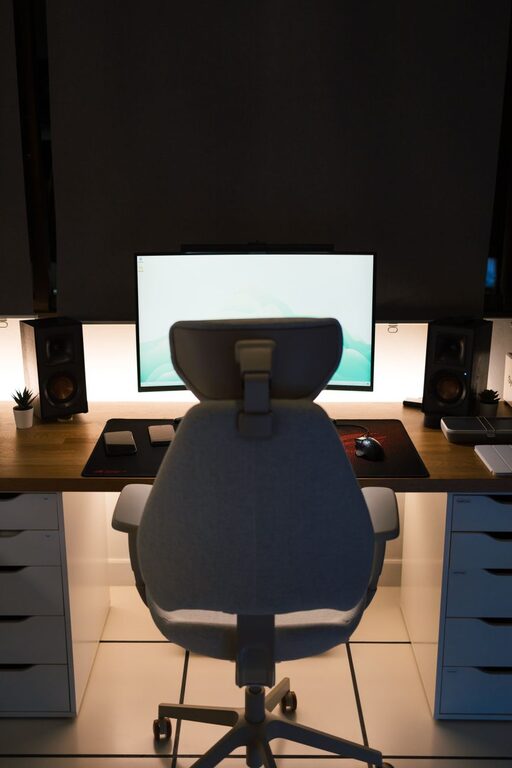
A good desk and chair are foundational. Choose a sturdy desk with enough surface area to hold your computer, notebooks, and other essentials without overcrowding. An ergonomic chair supports your posture, which is key for long work sessions.
Declutter Your Desk Surface
Keep only the items you use daily on your desk. Store other supplies in drawers or organizers. A clean desk reduces stress and encourages focus.
Tips for Desk Decluttering:
– Use a small tray or container for pens and frequently used office supplies.
– Limit personal items to one or two meaningful objects to keep the area inviting.
– Regularly clear paperwork to prevent stacks from piling up.
Use Smart Storage Solutions
Effective storage keeps your workspace tidy. Consider shelves, filing cabinets, or storage bins to keep materials sorted and accessible.
Storage Ideas:
– Use vertical shelving to free up desk space.
– Transparent bins help you find items quickly.
– Label drawers and containers for easy organization.
Manage Cable Clutter
Cables can quickly become a tangled mess and distract from a neat desk. Use cable organizers, clips, or sleeves to group wires and keep them out of sight.
Create Zones for Different Tasks
If your work involves different activities (e.g., computer work, paperwork, brainstorming), designate specific areas or zones for each to keep supplies organized by task and improve workflow.
Keep Digital Files Organized
Your physical workspace isn’t the only place that needs tidying. Keep your digital files neatly organized with well-named folders and regular backups to avoid frustration and lost work.
Set Daily and Weekly Maintenance Habits
Organization is an ongoing process. Spend a few minutes each day tidying your desk and file areas. Once a week, review your supplies and discard or donate what you no longer need.
Maintenance Tips:
– Clear your desk before ending your workday.
– Shred unnecessary papers to reduce clutter.
– Wipe down surfaces to keep everything fresh.
Add Personal Touches Wisely
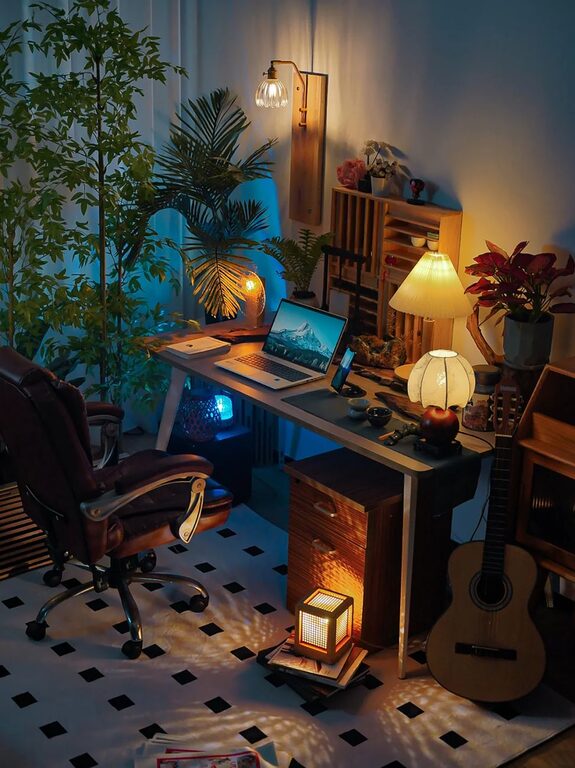
Personalizing your workspace can make it more enjoyable but avoid overcrowding. Choose a small plant, a photo, or artwork that inspires you without creating clutter.
Optimize Lighting and Ergonomics
Good lighting lessens eye strain, and an ergonomic workstation promotes comfort. Adjust your monitor height so the top of the screen is at eye level, and use task lighting if needed.
Use Time Management Tools
An organized workspace supports productivity, but pairing it with time management techniques like to-do lists, calendars, or apps can further improve your focus and workflow.
Final Thoughts
Organizing a clutter-free and productive home workspace may take some time and experimentation, but the results are well worth it. Your workspace influences your mindset, focus, and efficiency, so invest in setting it up in a way that supports your best work.
Keep it simple, maintain it regularly, and tailor your space to fit your unique needs. With these tips, you’re on your way to creating a comfortable and organized environment that helps you succeed every day.
About the Author